
A1R Link
Keep two or more computers in perfect sync — main + redundant, or split responsibilities.
Max A1R Link connects every A1R computer on the same network. It first checks that all machines are running an identical setlist, then mirrors navigation across them automatically — and it turns itself on once a matching peer is found.
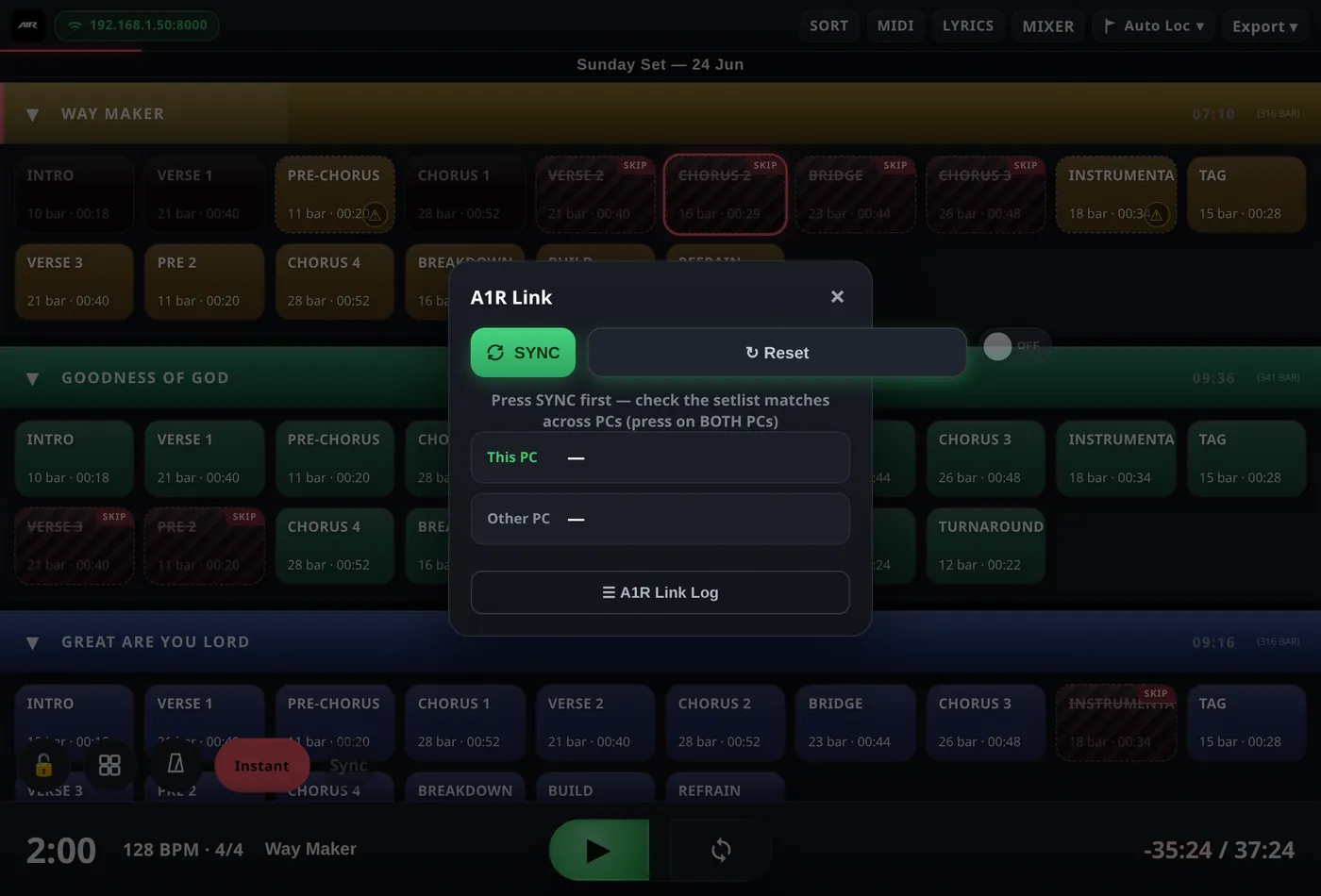
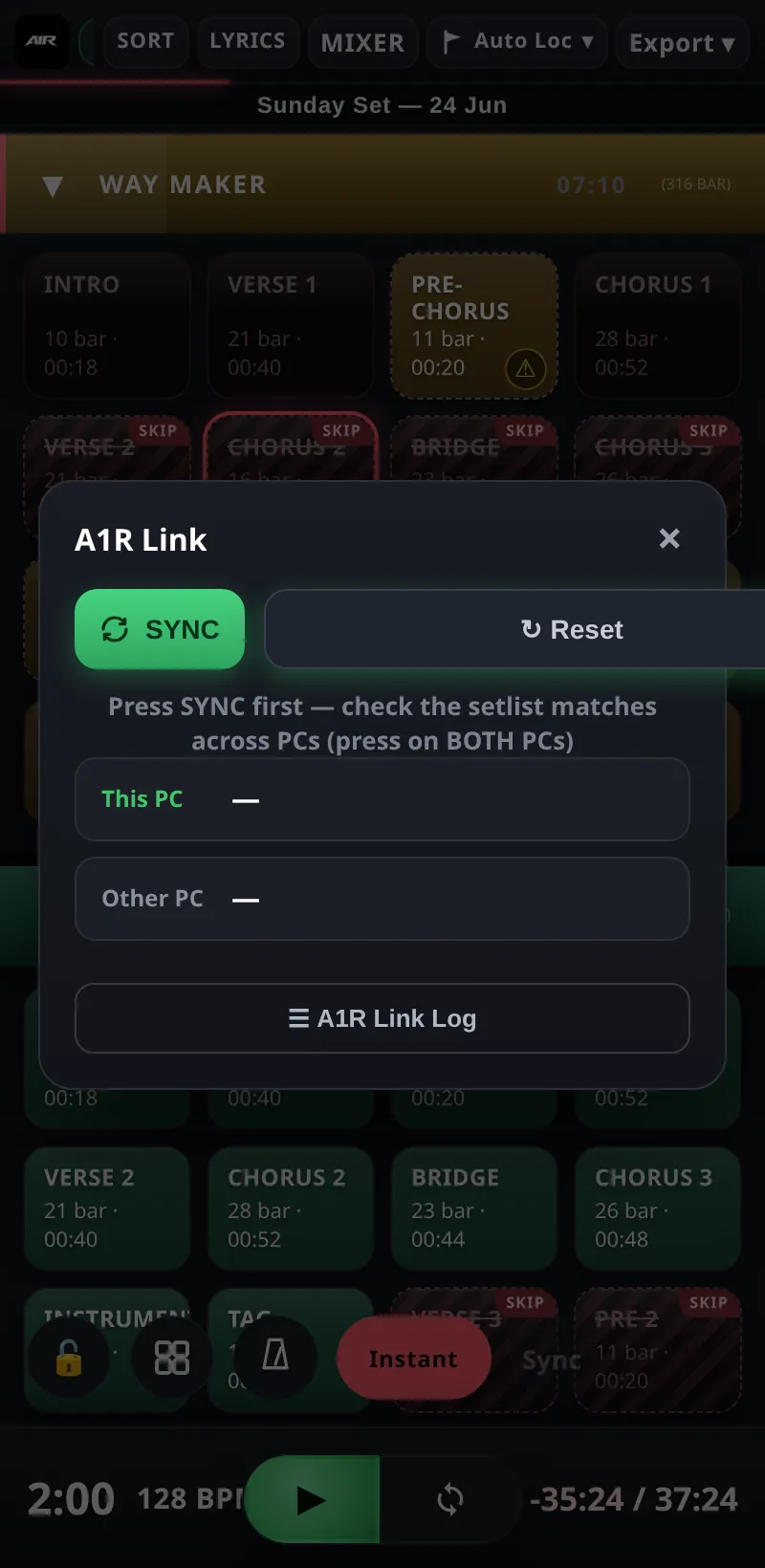
The A1R Link panel — peer status and setlist match check.
What syncs
- Jumps — jump to a song or section on one machine and every linked machine jumps with you.
- Beat position — playhead position is shared, so all machines land at the same beat.
- Play state — play and stop follow across the link.
Incoming sync is applied as an instant seek — a linked machine snaps straight to the received position rather than waiting for a quantize boundary, so backups stay sample-tight with the machine you're driving.
The setlist match check
Before syncing, A1R compares a signature of each peer's setlist:
- Green — the setlists are identical; sync is allowed (and Link switches on automatically once the check passes).
- ⚠ MISMATCH — one or more PCs have a different setlist. Sync is blocked until every machine loads the same project version — this prevents a jump on one PC landing somewhere else entirely on another.
Panel controls
- Peer list — every discovered A1R machine on the network, with its IP address and match status.
- Sync Playback Now — pushes this machine's current position and play state to all peers, aligning everyone immediately. Also available as the Sync pill next to the jump-mode button while Link is on.
- Reset — releases all peers and stops searching, so you can start the pairing over cleanly.
- A1R Link Log — a live log of Link events (peers found, syncs sent/received), useful when something isn't following.
Typical workflows
- Redundant backup PC — run the identical project on a second computer with its audio output ready on the console. The backup mirrors every jump and stays at the same position, so if the main machine fails you switch over mid-song.
- Splitting a big show — put playback on one machine and, say, clicks/video triggers on another. Both run the same setlist; navigate from either and they stay locked together.
All machines are equal peers — there's no fixed master. Whichever machine you navigate from drives the others.