
License & Activation
A1R activates online once, then runs offline forever.
- In A1R, click the A1R logo → Activate.
- Paste your license key (format
A1R-XXXXX-XXXXX-XXXXX-XXXXX) → Activate. - Your tier unlocks instantly. You can now go fully offline.
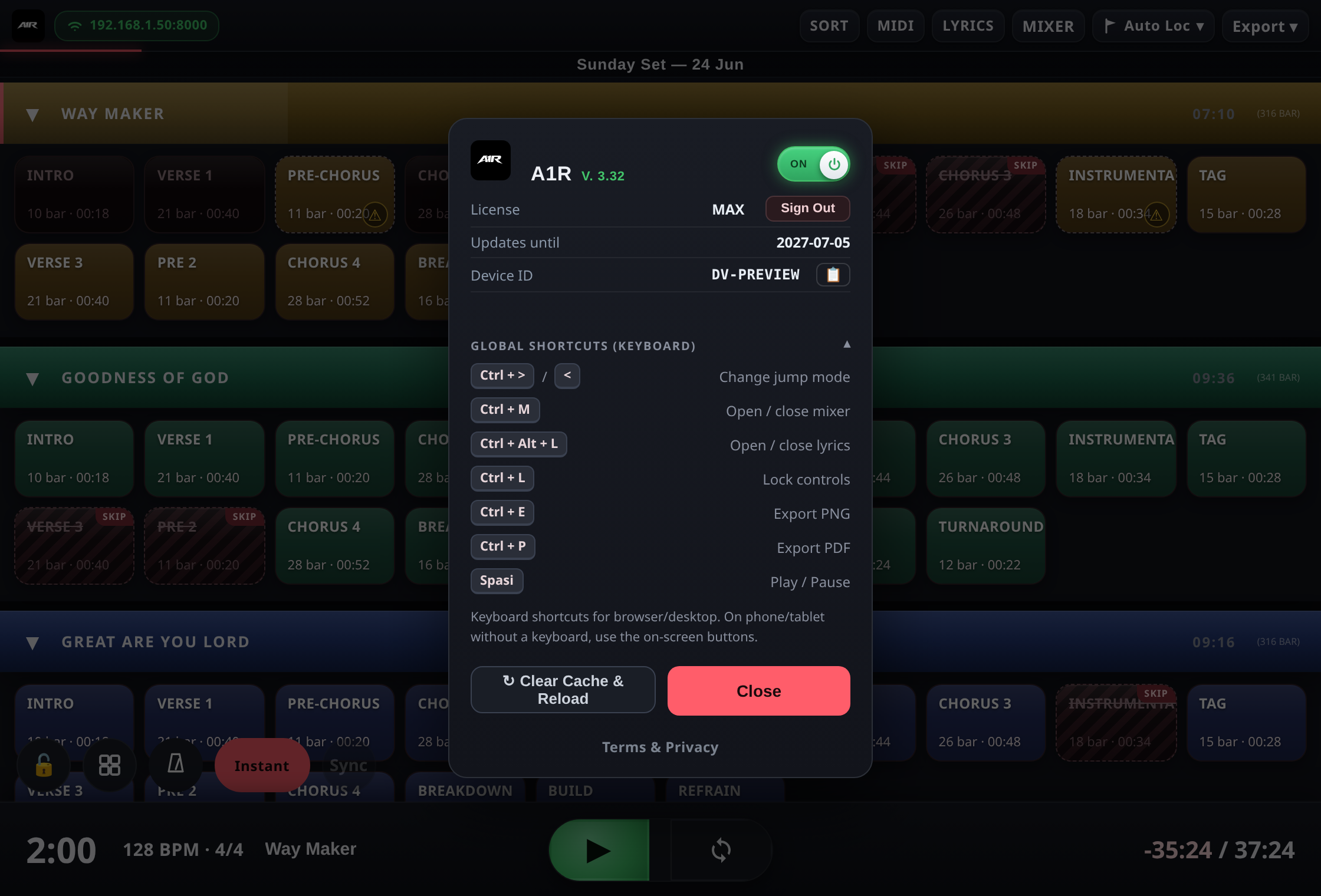
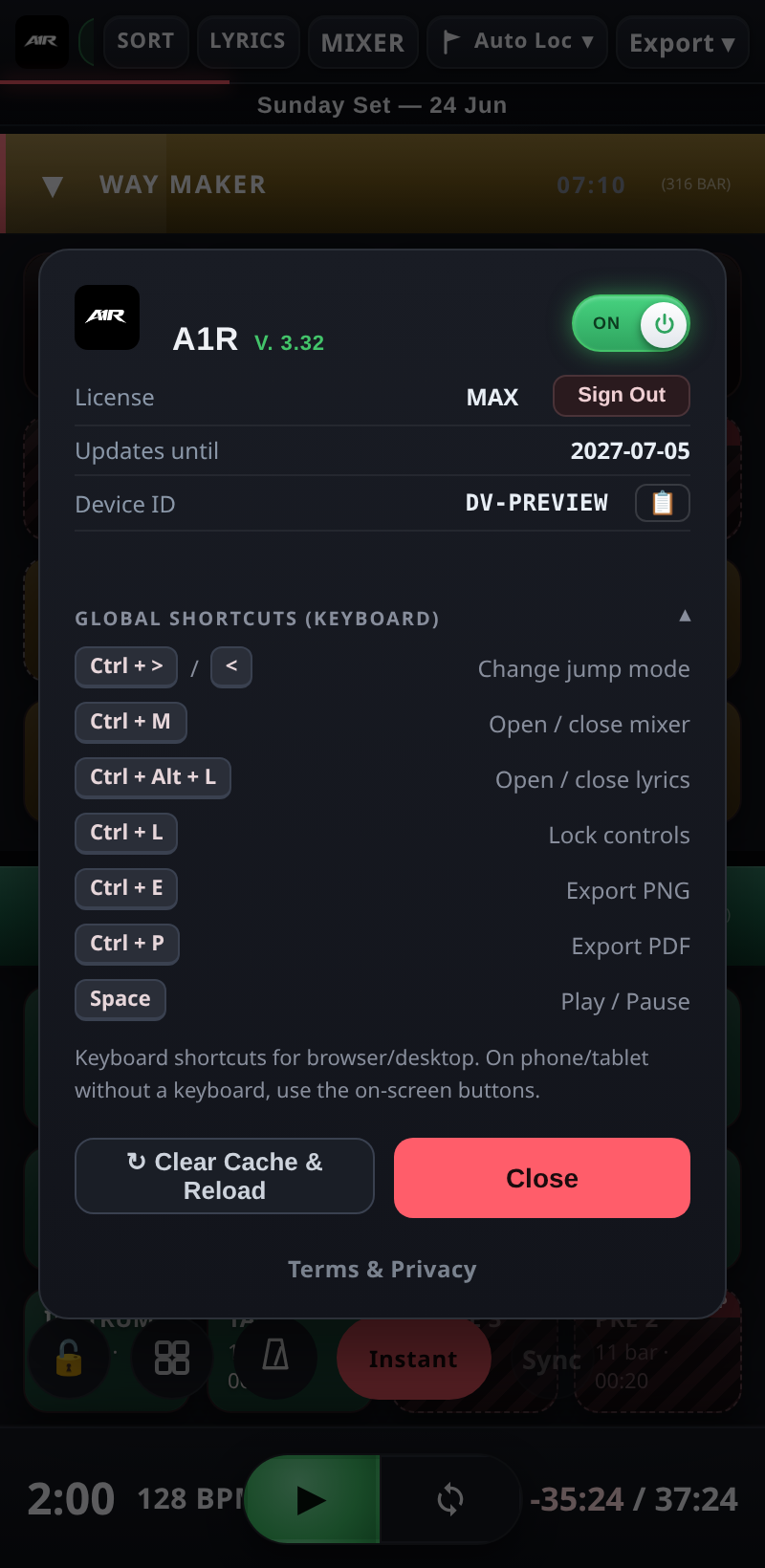
Click the A1R logo to see your license, updates, device and shortcuts.
Moving to another computer
Each tier includes multiple PC activations. To free a slot, open your account and deactivate a device, or use Deactivate inside A1R. Then activate on the new machine.
Updates
Your purchase is a one-time payment — your tier is perpetual. Free updates are included for 1 year; after that the app keeps working, and you can renew for newer updates.
The license is cryptographically signed and bound to your computer, so it can't be copied or edited. Lost your key? Retrieve it any time from your account page.