
Auto Loc
Write tidy section locators across your whole set with one click.
Lite+ The Auto Loc button generates clean section locators throughout your arrangement, so A1R (and you) always have a consistent structure to work from.
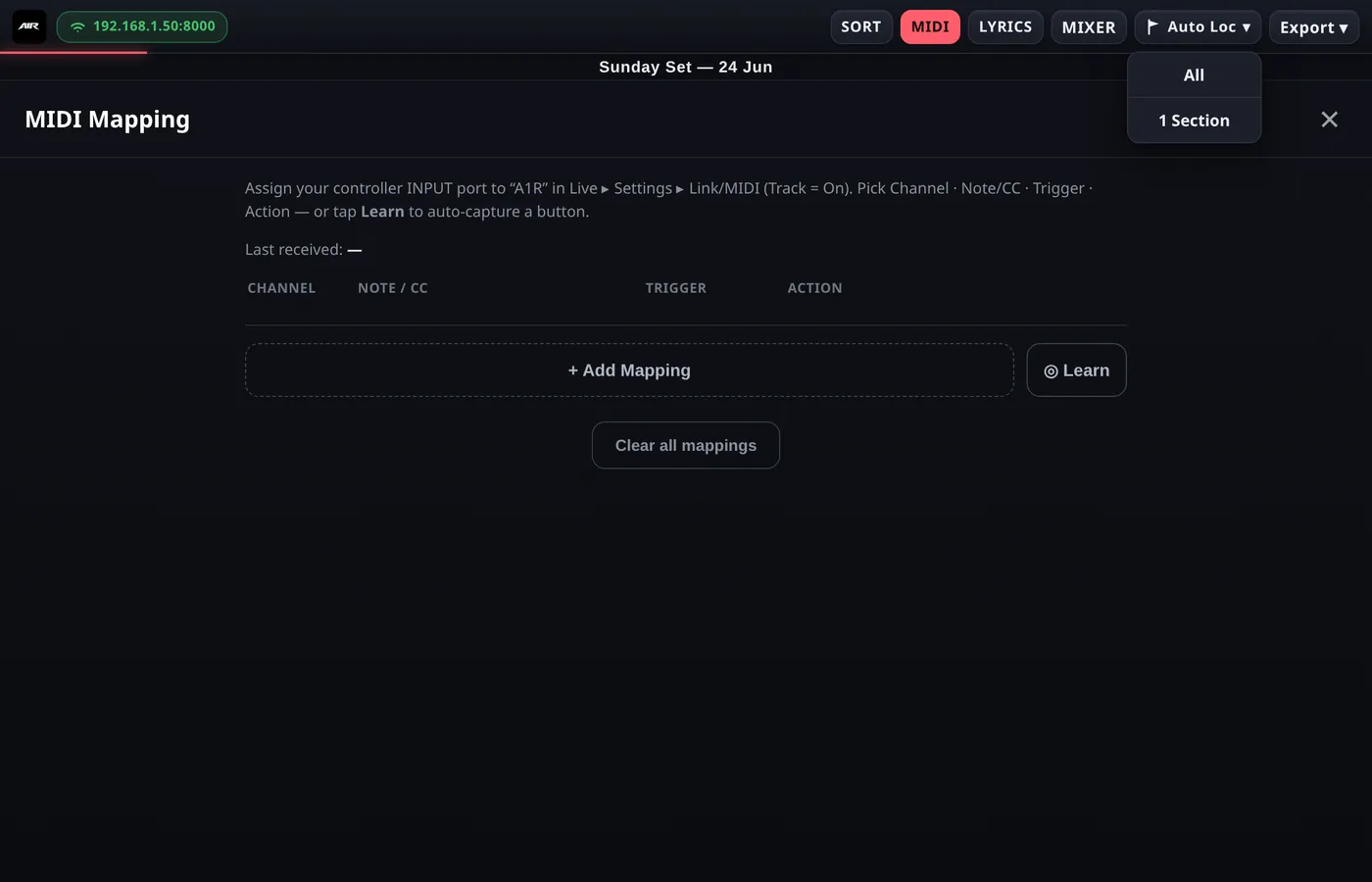
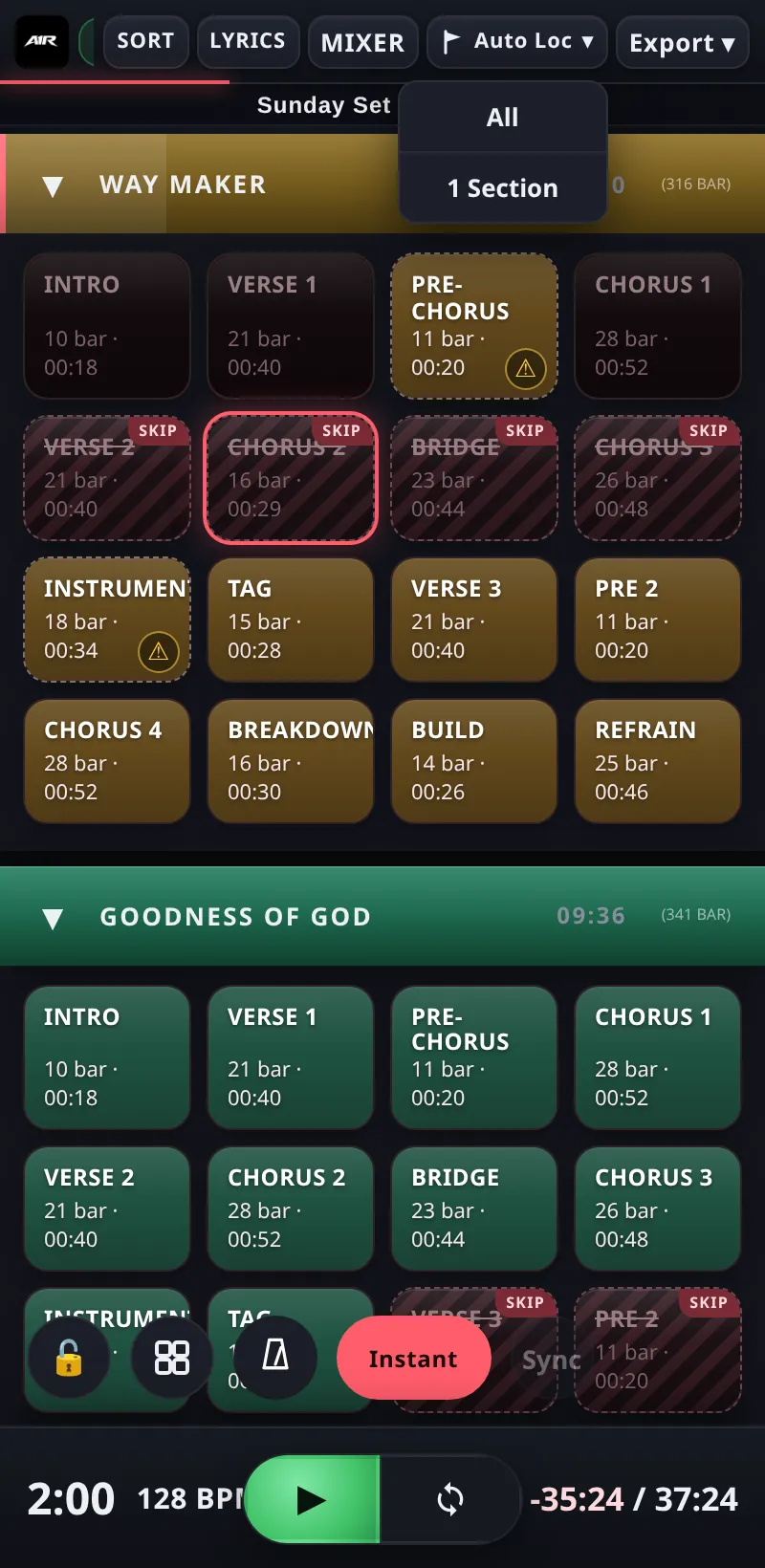
Auto Loc writes section locators across the set.
How it works
- Source — Auto Loc reads the named clips in your Sections track (see SONG NAME Track) and writes an Ableton locator at the start of each one, named
> Section. - Existing locators are never overwritten — positions that already have a locator are skipped, so you can re-run it safely after adding new clips.
- The Auto Loc ▾ button opens a small menu:
- All — create locators for every section in the set that doesn't have one yet.
- 1 Section — create a locator only for the currently active section (the same thing the ⚠ badge on a locator-less section does when tapped).
Run Auto Loc while the transport is stopped: it briefly moves the playhead to each position to write the locator, then returns it to where it was.
Smart Auto Locator Pro+
On Pro and up, Auto Loc reads your clip layout and names locators intelligently: a clip that starts a new group (with a gap before it) becomes a SONG NAME locator (keeping any flags like [120 bpm] or [color]), the gap after the last clip of a group gets a SONG END locator, and everything in between becomes a regular > section. One click turns a clip-based arrangement into a fully structured setlist.
Auto Locator can also be triggered remotely with the OSC command
/setlist/setLocatorsFromClips — see OSC.Renaming the created locators inside Ableton requires Live 12 or later (Live 11 can create them but its API can't rename cue points — section names still show correctly in A1R).