
SONG NAME Track
Prefer clips over locators? Define your songs with a dedicated track of named clips.
Instead of song locators, you can add a track named SONG NAME and drop one clip per song. A1R uses each clip as a song boundary:
- The clip name = the song title.
- Add
[m:ss]in the clip name for an explicit duration, e.g.Way Maker [5:30]. - All the same locator flags work in clip names too (colour, skip, tags…).
Sections still come from your locators (or MIDI clips) inside each song's span. This is a fast way to lay out a set without peppering the timeline with song locators.
Sections from MIDI clips
When a section has no locator, A1R can read it from a MIDI clip at that position — the clip name becomes the section name (with the same flags). Great for arrangements that are already clip-based.
- Skip by colour Lite+ — colour a section clip dark gray (
#3C3C3C) and A1R skips that section in playback, no+SKIPflag needed. - Clips after SONG END are ignored — anything on the track past a song's
SONG END/STOPmarker isn't read as a section, so tails and scratch clips there won't clutter the setlist. - Last section length — a song's final section runs for exactly its clip's length, giving A1R a real duration and bar count even with no locator after it.
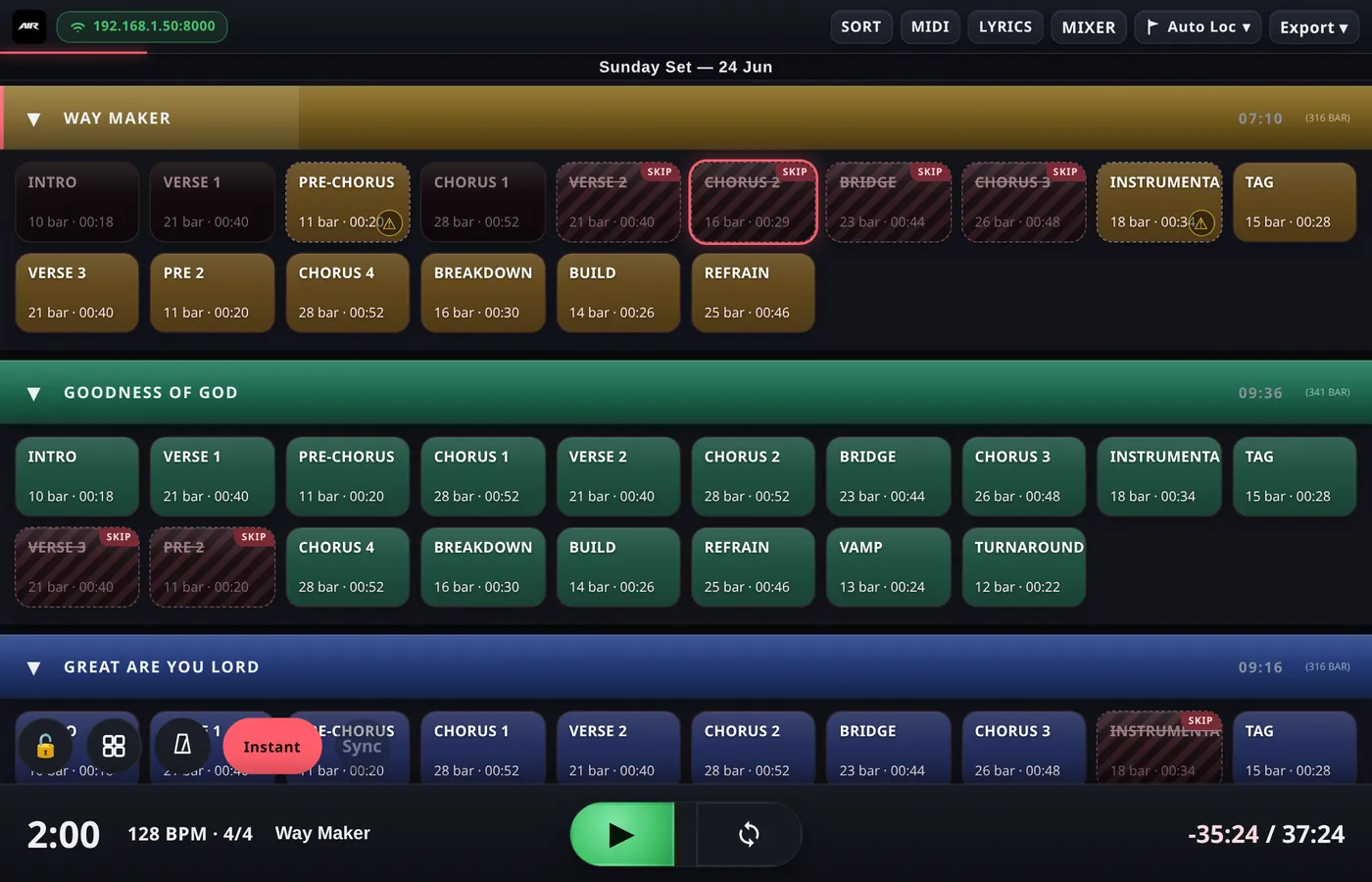
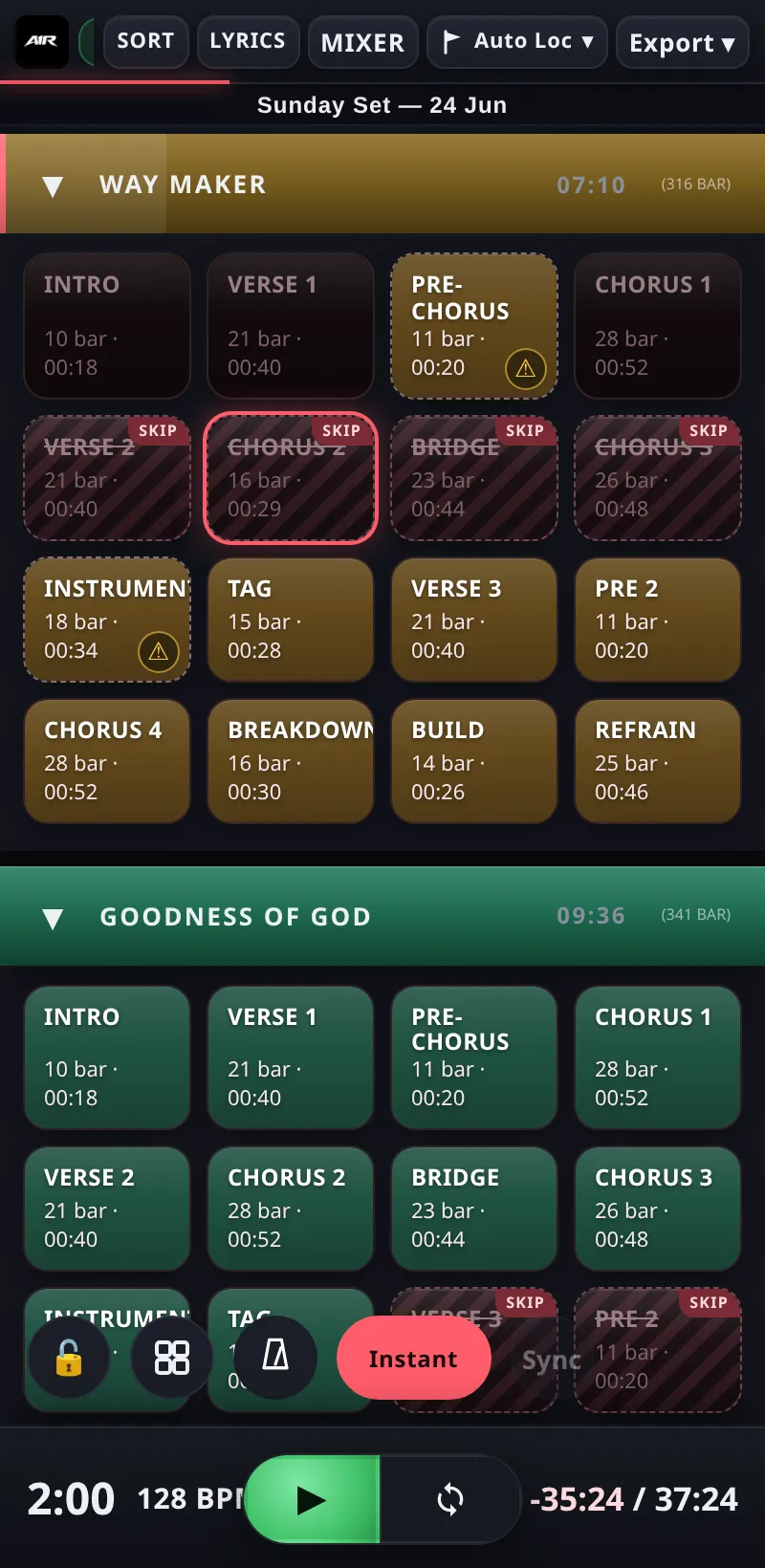
Songs become colour-coded blocks; each section shows its bar count and duration.