Control Ableton Live from your phone or tablet
A1R serves its interface over Wi-Fi, so the phone, tablet or laptop already in your hand becomes a remote for Ableton Live. Open it in the browser: nothing to install, no pairing.
iPhone, iPad, Android or any laptop browser · One-time payment from $39
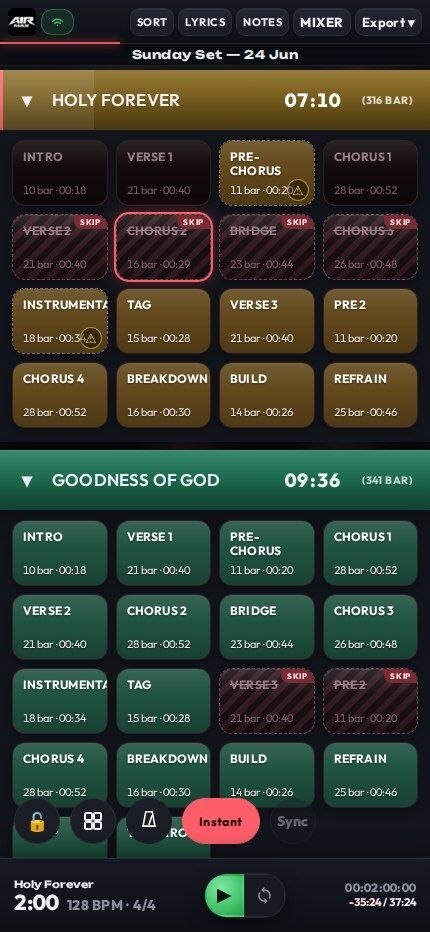
Set up your phone in a minute
- 1
Join the same Wi-Fi
Connect your phone or tablet to the same network as the computer running Ableton Live and A1R.
- 2
Scan the QR code
Tap the A1R logo to show a QR code of its address and scan it with your camera, or type the address A1R shows on screen.
- 3
Add it to your home screen
Save A1R to your home screen for a full-screen remote that feels like an app.
What you control from the stage
- Jump to any song or section instantly, on a quantize grid, or when the current section ends.
- Loop the current section with Live’s own loop brace, on every tier.
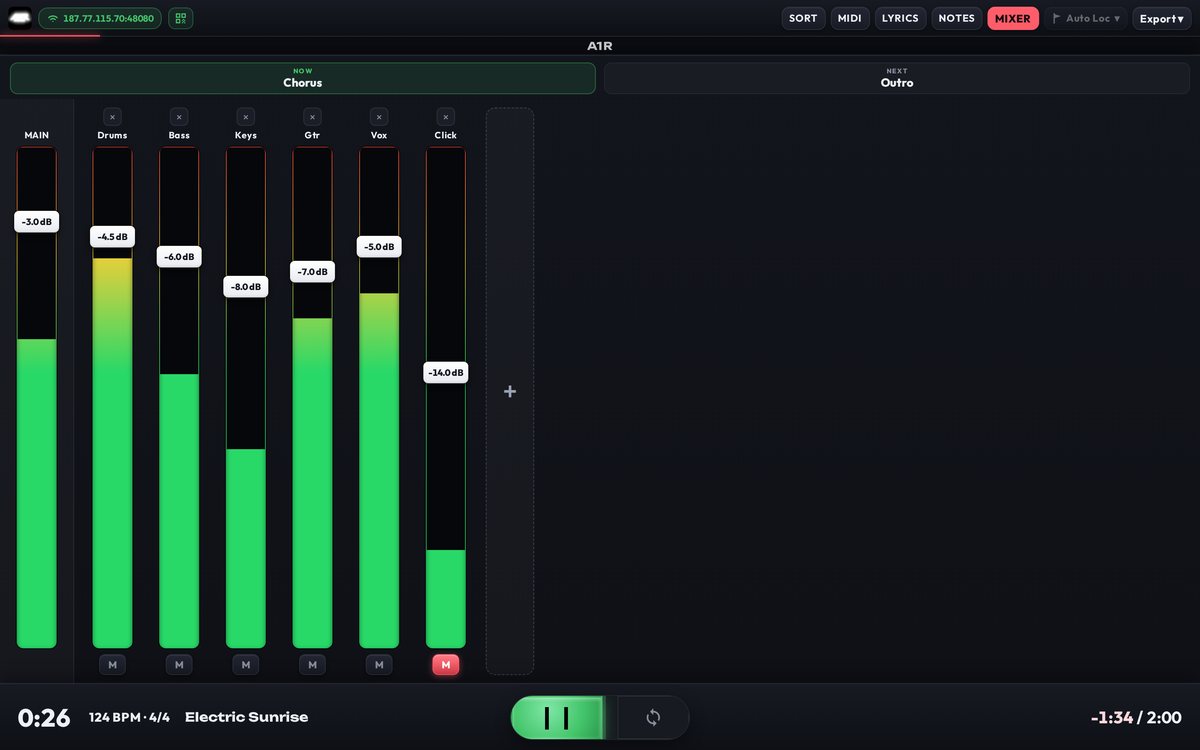
- Mix from the stage with faders, mutes and VU meters for every track. PRO+
- Read lyrics and chords on a music-stand tablet, with per-device font size, auto-follow and transpose. MAX
- Lock the screen so a stray tap can’t jump the set.
- Use several devices at once. Every connected device stays in sync, and each remembers its own view.
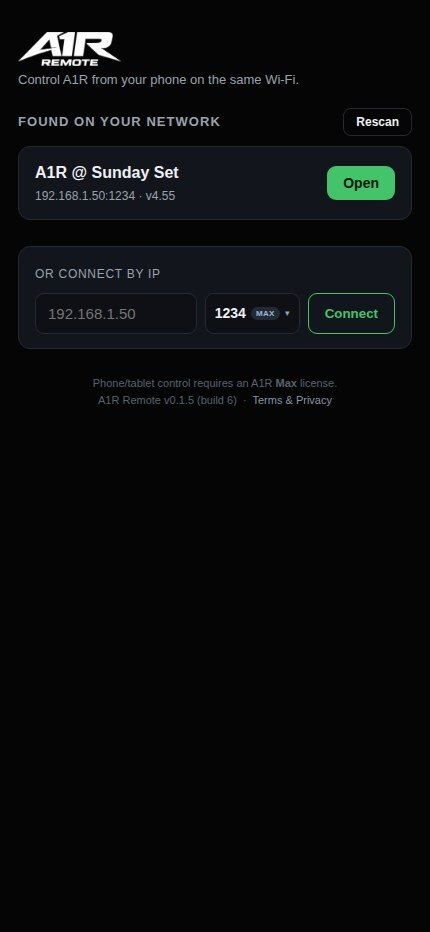
Prefer an app on Android?
A1R Remote is a dedicated Android app: scan the QR code or connect by IP, then jump sections, loop and ride the mix. It is Android-only and installs from the APK file, as it is not on the Play Store yet.
Questions
Does it work on iPhone and iPad?
Yes. A1R runs in the browser, so iPhone and iPad need no app. Scan the QR code with the camera and A1R opens in the browser.
Do my phone and computer need internet?
No. They only need to be on the same local network. A1R needs internet once, to activate your license; after that it runs offline.
Can the whole band use their own devices?
Yes. Several phones, tablets and laptops can connect at once. Jumps, playhead and setlist changes appear on every device at the same time.
Which Ableton Live versions are supported?
Ableton Live 11 or newer, on Windows or macOS.
Is there a monthly fee?
No. A1R is a one-time payment, starting at $39. See the setlist features or compare tiers.
Try it before your next show
The live preview runs the real A1R interface with demo data, right in your browser, on desktop, tablet or phone.