Notes
A scribble board, tabbed notepad, and chart uploads — saved per Ableton project.
Max Notes gives you a spot to jot things down without leaving A1R: a freehand scribble board, a notepad with multiple tabs, and a place to upload chord charts. Everything syncs live across every device connected to the same project.
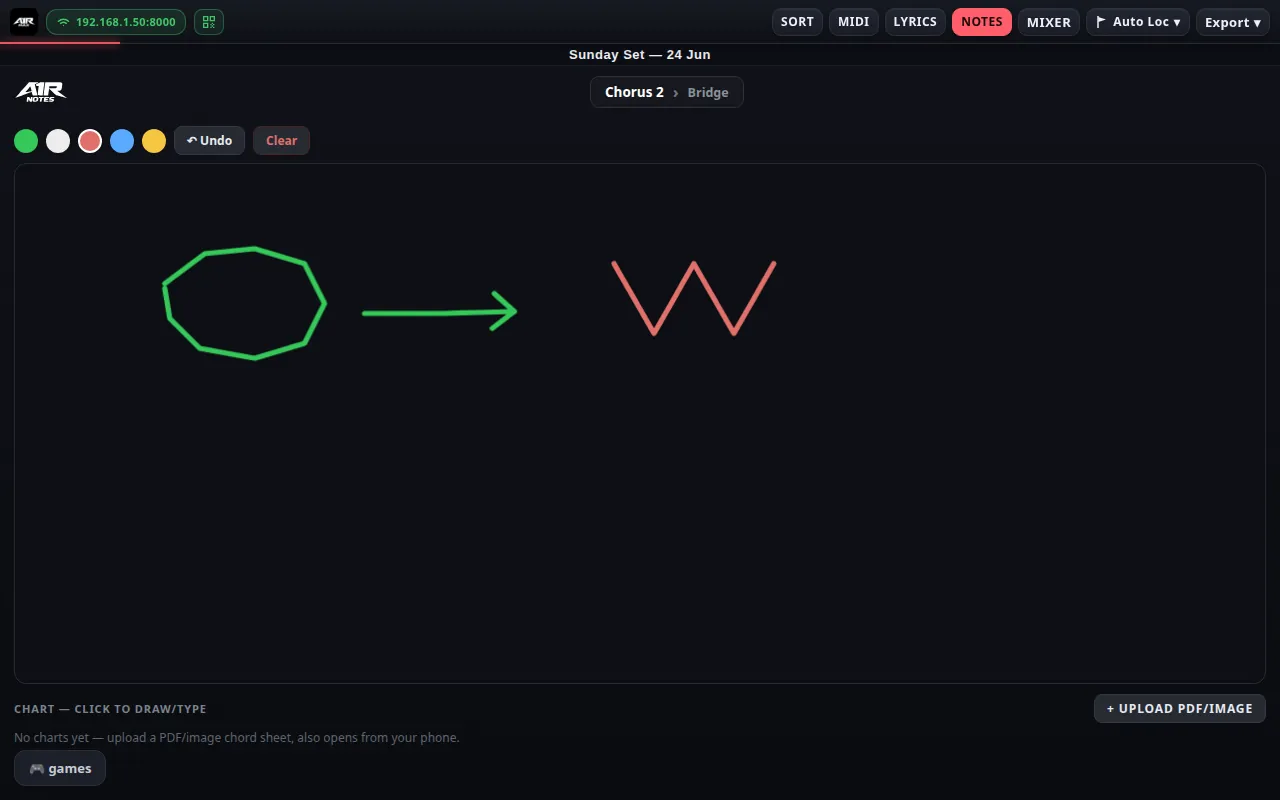
The Notes board — scribble freely; charts upload below.
Scribble board
Draw with Pen or Highlighter directly on screen — handy for marking up a chart during rehearsal. Each tool has its own colour picker, and Undo / Redo lets you step strokes back and forward. Strokes sync in real time to every connected device (phone, tablet, laptop).
Chart uploads
Upload a PDF or image (PNG/JPG/GIF/WebP) chord chart, then draw or type notes right on top of it, page by page. Open it any time from the Notes board to pick up where you left off.
Notepad tabs
Add as many text tabs as you need — set lists, reminders, contact numbers, whatever. Tabs are Shared by default (synced to every device); switch a tab to Private to keep it on just this device. Use Rename to retitle a tab and Delete to remove it.
The Import button pulls outside material in: a .txt or .md file lands as text in the current tab, while a PDF or image goes to the Chart board ready for annotating.
Export
Export the scribble board (or an annotated chart page) as PNG for sharing or printing.