
The flagship A1R experience
A1R ULTRA Guide
A virtual setlist engine on top of Ableton Live — edit the show, not the project. Pick a topic:
ULTRA is the top of the A1R line: everything MAX does — lyrics, mixer, notes, MIDI mapping, OSC, timecode, the visual metronome — plus a layer MAX doesn't have: the show itself becomes editable. ULTRA treats Ableton Live as a read-only source: it reads your song and section names and the playhead position, and never writes anything back to your locators or clips. Everything you change — song order, section order, skips, duplicates, loops, pitch — lives in a virtual model that ULTRA saves next to your Ableton project. Close the set, reopen it, and your show is exactly where you left it, while the .als file stays untouched.
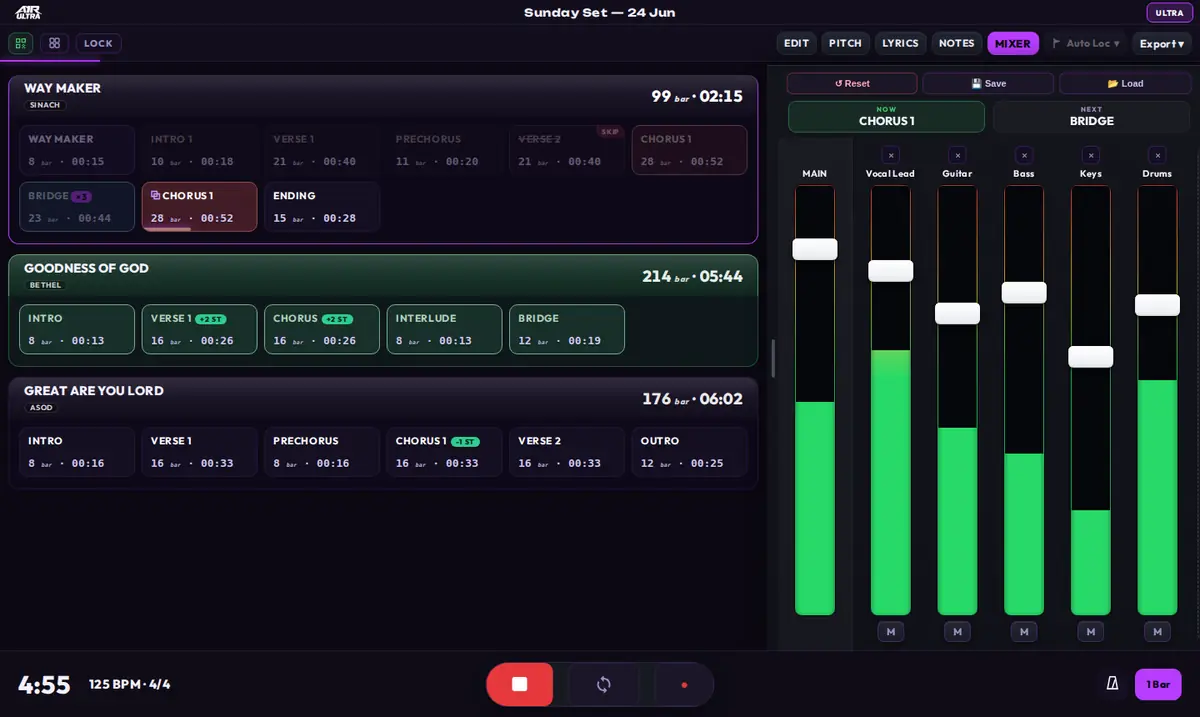
The SET view — song lanes on the left, mixer and NOW/NEXT on the right.
Projects prepared for A1R MAX work in ULTRA as-is: the MAX naming rules (skip colors, +SKIP, >>>, loop xN) are read as the baseline, and ULTRA edits layer on top of them.
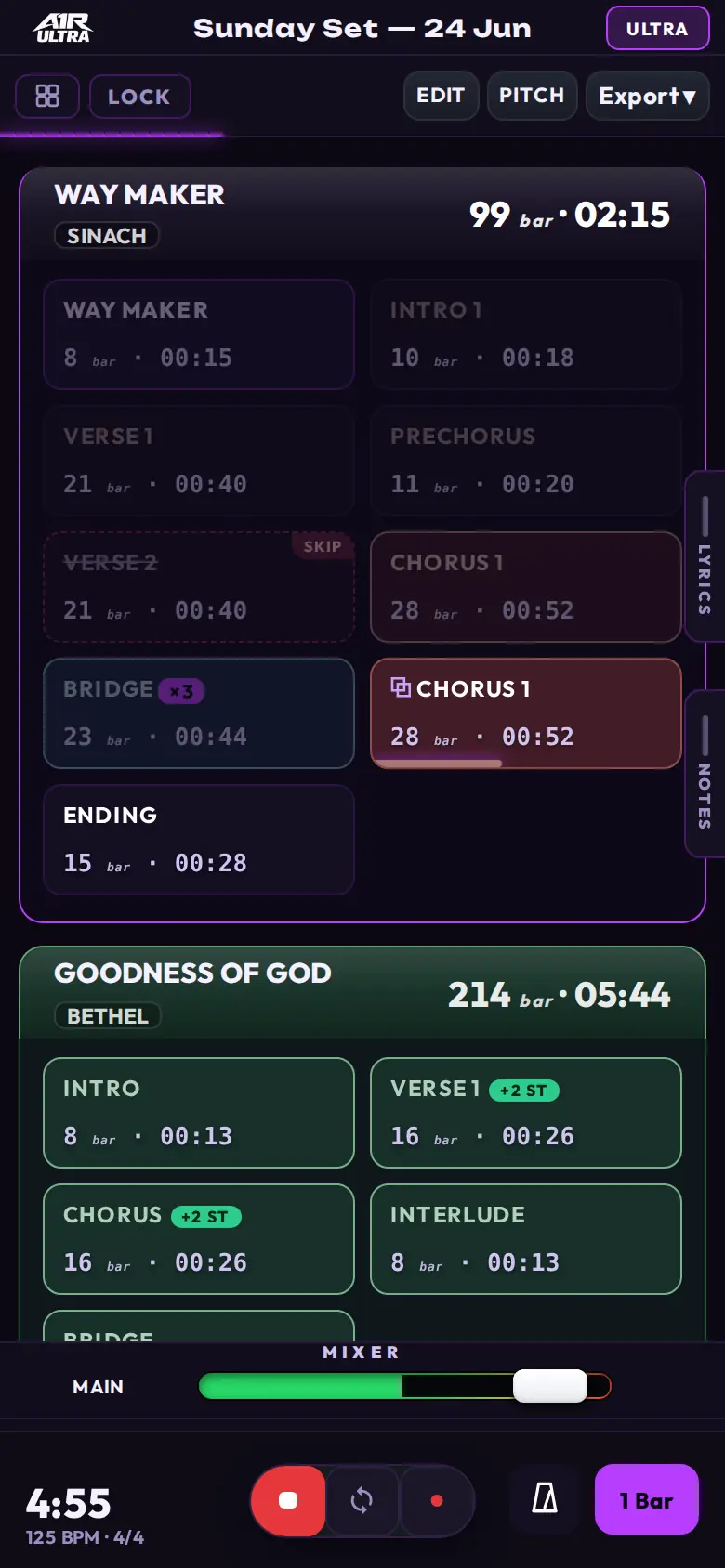
The same interface on a phone — every device on the Wi-Fi gets the full show.