
Mixer
Your key tracks, live, from any device.
Open the MIX panel and add the tracks you care about — up to 32 channels. Channels are bound by track name, so the same mixer layout keeps working when you reopen the project or move to another machine, as long as the track names match.
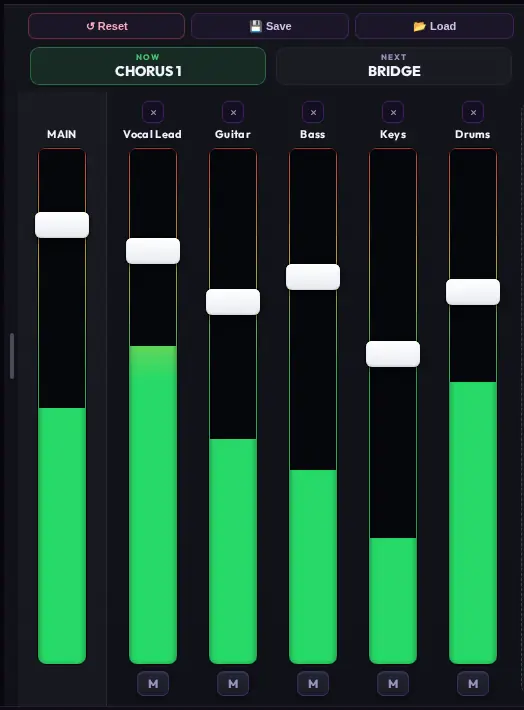
MAIN plus your named channels — faders with live VU metering and per-channel mute.
Per channel
- Volume fader with live VU metering
- Mute and Solo
- Pitch stepper (±12 st) — see Pitch
Reset, Save & Load
- Reset returns all channels to their state as read from Ableton.
- Save writes your mixer layout and levels to a shareable
.a1rmixfile. - Load imports an
.a1rmixfile — hand your monitor mix to another band member or reuse it across projects.

Reset, Save and Load sit at the top of the mixer column.
The mixer never records automation into Ableton — like everything in ULTRA, it controls Live without editing the project file.